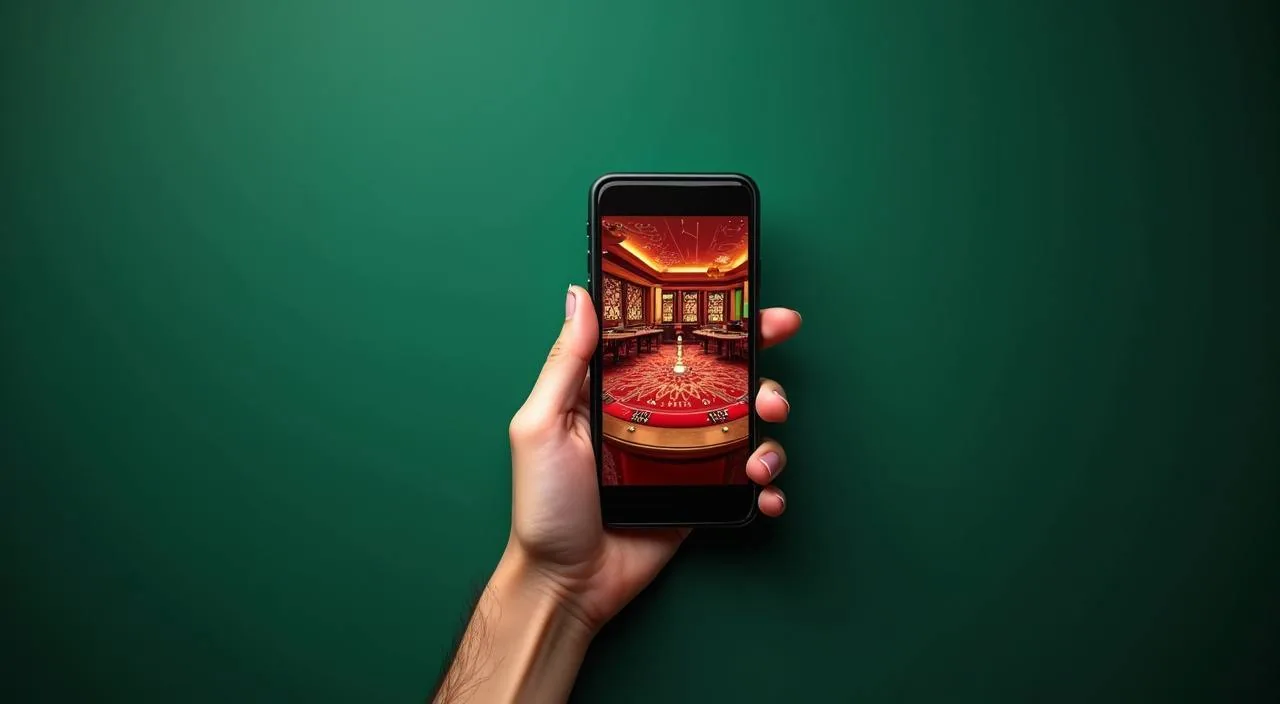
The full vb8vip lobby — live tables, slots, and sportsbook — loads directly in your mobile browser without a separate download. Check the current domain, sign in to your account, and you are inside the same lobby available on desktop.
When you open vb8vip on a mobile device, the site adjusts its layout to fit your screen. Navigation sits at the bottom of the page so your thumb reaches it without stretching. The account area, wallet summary, and game categories are all reachable from the same menu. Game discovery works through a horizontal category rail — tap Slots, Live Casino, or Sportsbook to filter the lobby. Your transaction history and deposit route through Upay or Bank Transfer are accessible from the wallet tab inside your account. Help pages and the support route load in the same browser session, so you never need to leave the site to find account guidance. Whether you are on Android or iOS, the responsive layout renders the same core lobby. Check the published device guidance in the help section to confirm your browser version is currently supported before you start a session.
ACCESS FEATURES
What the Mobile Site Delivers
Four things you can do right from your phone browser without installing anything extra.
Responsive Layout
The lobby reflows for smaller screens automatically. Category tabs, game cards, and the account menu all resize to fit your display, so you get the same lobby structure whether you are on a mid-range Android or a newer iOS device.
Account Wallet Tab
Your deposit balance, transaction records, and the Upay or Bank Transfer route sit inside the wallet tab in your account. Open it from the bottom navigation bar to review your current balance or start a new deposit without switching apps.
Game Discovery Rail
A horizontal media rail at the top of each category page shows headline titles from Pragmatic Play, JDB, Microgaming, and Habanero. Swipe through to find Baccarat Live Table, Crash Burst, or Teen Patti Gambit without scrolling the full grid.
Help Pages In-Browser
Support and account help pages open inside the same browser tab. You can read published guidance on account recovery, deposit steps, or browser compatibility without leaving the lobby session or opening a separate app.
THREE QUICK STEPS
Mobile Access in 3 Steps
Getting into the vb8vip lobby on your phone takes three straightforward steps through your browser. No file download, no app store visit required — just confirm you are on the right domain and sign in.
Open the Current Site
Type the vb8vip address directly into your mobile browser or use a saved bookmark. Confirm the domain matches before entering any account details — the correct URL is shown in the published help section.
Check Browser Compatibility
The site works on current versions of Chrome, Safari, and most Android browsers. If the layout does not render correctly, check the device guidance page in the help section to see which browser versions are currently supported.
Sign In Securely
Enter your registered account credentials on the login page. Use the account recovery path shown on the sign-in screen if you need to reset access. Avoid signing in over public Wi-Fi without a secure connection.
Explore the Lobby
Once signed in, the bottom navigation bar gives you direct access to Slots, Live Casino, Sportsbook, and your account wallet. Your Upay or Bank Transfer deposit route is one tap away inside the wallet tab.
DEVICE CHECKLIST
Check Your Device Before You Start
Run through these points before your first mobile session to avoid interruptions mid-game.
Browser Version
Use a current release of Chrome, Safari, or Firefox. Older browser versions may not render the lobby layout correctly or may block the account sign-in flow. Update your browser from your device's app store if you are unsure.
Screen Layout
The responsive layout is designed for screens from small phones up to tablets. If text or buttons appear cut off, try rotating your device to landscape or clearing your browser cache and reloading the page.
Account Requirements
You need a registered vb8vip account to access the full lobby. New account setup follows the steps shown on the registration page — have your Upay or Bank Transfer details ready if you plan to deposit immediately after signing in.
Supported Devices
Published device guidance is available in the help section of the site. Check that page to see the current list of tested browsers and operating system versions before starting a session on an older device.
Connection Quality
A stable mobile data or Wi-Fi connection is recommended for live casino tables like Baccarat Live Table. A weak signal can interrupt the video stream. Switch to a stronger connection if the live dealer feed drops or buffers.
GET HELP FAST
Support Routes for Mobile Users
If something does not load correctly on your device, these are the published routes to reach the vb8vip support team.
Live Chat
The live chat button is visible on the main site pages including the help section. Open it from your mobile browser the same way you would on desktop — it loads inside the current browser tab so you do not need a separate app to reach the support team.
Help Section
The help section covers account recovery, browser compatibility, deposit steps via Upay and Bank Transfer, and common mobile access questions. Check it first before contacting support — most device and login questions are answered there with step-by-step guidance.
Account Recovery Page
If you cannot sign in on your mobile device, the account recovery path is linked directly from the login screen. Follow the fields and verification steps shown there. Do not share your credentials with anyone claiming to offer support outside the official site.
STAY SECURE MOBILE
Mobile Access Trust Checks
A few habits that keep your account safe when you access vb8vip from a phone.
Verify the Domain
Always confirm you are on vb8vip before entering your login details. Bookmark the correct address after your first visit so you do not accidentally land on a lookalike page. The correct domain is published in the help section and on official communications.
Review Device Guidance
The published device guidance page lists currently supported browsers and known compatibility notes. Check it when you switch to a new phone or after a major browser update to confirm your setup still matches the recommended configuration.
Protect Your Credentials
Use a unique password for your vb8vip account and do not save it in a shared browser profile. If you suspect your credentials have been compromised, use the account recovery path on the login page immediately and contact support through live chat.
Use the Published Recovery Path
Account recovery steps are shown on the sign-in screen and in the help section. Follow only those published steps — do not use third-party recovery services or share your account details with anyone outside the official support route.
YOUR QUESTIONS ANSWERED
App and Mobile Access Questions
Common questions about accessing vb8vip on a mobile device.
Is there a vb8vip app available to download from the Play Store or App Store?
A native app listing in the Google Play Store or Apple App Store is not confirmed at this time. Check the help section on vb8vip for the current status. The full lobby is accessible through your mobile browser without a separate download.
How do I open vb8vip on my Android phone?
Open Chrome or your preferred browser, type vb8vip into the address bar, and sign in with your account credentials. The site layout adjusts automatically for Android screens. Check the device guidance page in the help section if the layout does not render correctly.
Can I deposit using Upay or Bank Transfer from my mobile browser?
Yes. Once signed in, open the wallet tab from the bottom navigation bar. Your Upay and Bank Transfer deposit routes are listed there. Follow the fields and limits shown in your account — the process is the same as on desktop.
What should I do if the lobby does not load properly on my phone?
First, check that your browser is updated to a current version. Clear your browser cache and reload the page. If the issue continues, visit the device guidance page in the help section or contact support through the live chat button on the site.
Does vb8vip work on iOS devices like iPhone or iPad?
The mobile site is designed to work on current iOS browsers including Safari. Check the published device guidance in the help section to confirm your iOS version and browser are currently supported before starting a session.
How do I find live casino tables like Baccarat Live Table on mobile?
After signing in, tap the Live Casino tab in the bottom navigation bar. The category rail at the top of the page shows headline titles. Scroll or swipe through to find Baccarat Live Table and other live dealer games available in the current lobby.
 Slots / Sports